
Frequently Asked Questions
Find answers about learning gaps, national benchmarks, progress tracking, and family membership. Learn how Homeschool Test Track helps you understand your child’s skills and focus your teaching.
What is Homeschool Test Track?
Homeschool Test Track is an online assessment platform built for homeschool families. It helps you identify learning gaps, recognize strengths, compare results with national averages, and track academic progress over time. Assessments cover four core subjects for grades 1–6, with immediate topic-level results in your parent dashboard. One family membership covers up to six children.
What grades and subjects does Homeschool Test Track cover?
Assessments are available for grades 1–6 in Math, Science, Language Arts, and Social Studies. Each subject is broken down into specific topics so you can see which skills your child understands and which need more practice.
How is this different from the Iowa test, Stanford 10, or CAT?
Homeschool Test Track focuses on learning insight you can use throughout the year: topic-level scores, comparisons with national averages, strengths and learning gaps, and a saved history of assessment attempts. Your family membership includes immediate results and unlimited assessment attempts for up to six children. For more on choosing an assessment, explore our homeschool testing options comparison.
How much does it cost?
The current limited-time offer is $27 for one full year. Your membership covers up to six children, all four core subjects, and unlimited assessment attempts. There are no additional per-child or per-assessment charges and no automatic renewal. You choose when to renew.
How does family pricing work?
One membership covers up to six children for a full year, including all four subjects and unlimited assessment attempts. You can assess different children at different times and reassess after teaching or review without paying for each attempt. The current limited-time price is $27 for the year.
What do I see in my parent dashboard?
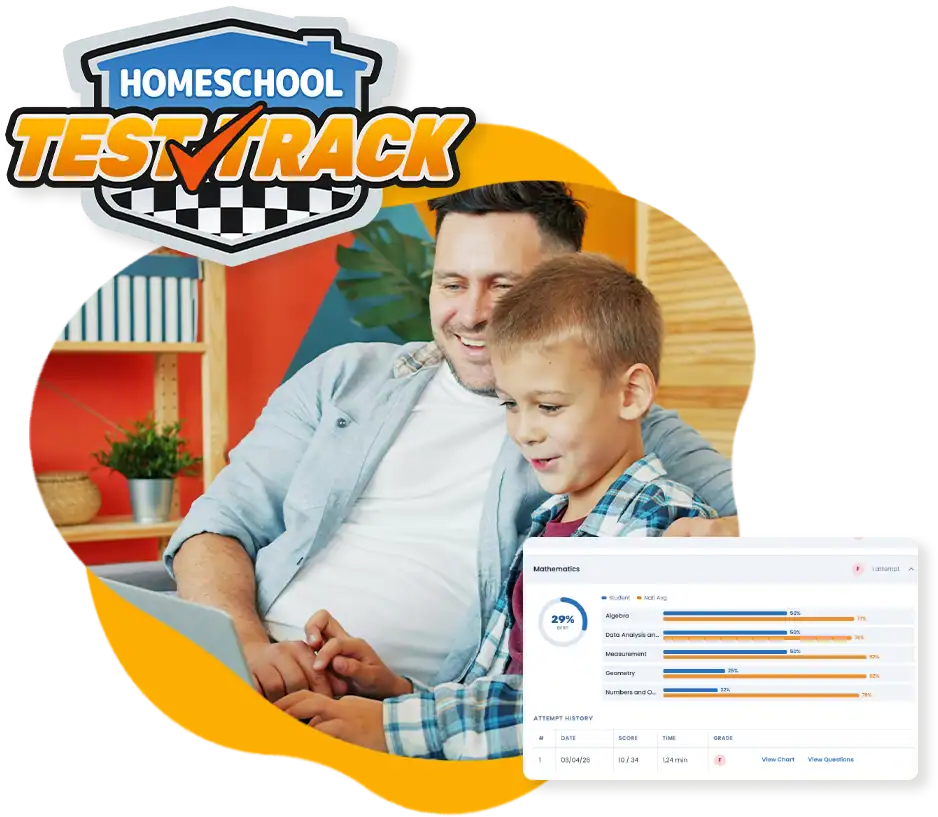
For each child, you can review subject and topic scores, comparisons with national averages, and a summary of strengths and learning gaps. Each topic shows your child’s score and how far it falls above or below the national benchmark. Saved assessment history lets you follow changes over time, with all your children’s results managed from one parent dashboard.
What does topic-level scoring mean?
Topic-level scoring shows the individual skills behind an overall subject score. For example, Math results include topics such as algebra, geometry, measurement, and data analysis. Science includes areas such as life science, earth science, and physical science. These details help you recognize strengths and choose specific topics for practice.
How are results compared with national averages?
Your child’s results are compared against published national research data for their grade level. Topic scores appear alongside national averages, with the difference between them shown in your dashboard. Those benchmarks give you context for their performance and help you identify strengths and areas that need attention.
Can my child retake the assessments?
Yes. Unlimited assessment attempts are included in your membership. Every attempt is saved so you can compare topic scores over time. Use an initial assessment as a starting point, focus your teaching on skills that need attention, and reassess after your child has had time to learn and practice.
How long does each assessment take?
Assessments are untimed, so your child can work at their own pace. Most students complete a single subject assessment in about 20–40 minutes, depending on grade level and pace. There is no penalty for taking longer.
When can my child complete an assessment?
Whenever your family is ready. There are no set assessment windows or seasonal restrictions. Your child signs in to their student account and completes the assessment, with results appearing immediately in your parent dashboard.
Can I control whether my child sees their scores?
Yes. You can review results in your parent dashboard before deciding when and whether to share them with your child. This gives you time to understand their strengths and learning gaps and plan a supportive conversation about what they’re doing well and what you’ll practice together.
Can I assess multiple children with one membership?
Yes. One membership covers up to six children. Each child has an individual student login, and you manage their accounts and review their results from one parent dashboard.
Is Homeschool Test Track a placement test?
Homeschool Test Track is a diagnostic assessment that shows strengths and learning gaps across four core subjects, with topic-level results and national benchmarks. Those results can help you plan lessons and review, but they do not assign a starting level in a specific curriculum. Learn more about the distinction in our guide to homeschool placement tests.
Will this satisfy my state’s testing requirements?
Homeschool Test Track provides nationally benchmarked academic assessments for grades 1–6. National benchmark comparisons do not by themselves establish whether an assessment is accepted for state compliance. Confirm accepted assessments and requirements with your state’s education authority or homeschool association. You can also consult HSLDA’s state resources.
How do I get started?
Visit the signup page to create your parent account. Add your children, select their grade levels, and have them sign in to complete their assessments. For a walkthrough, see how Homeschool Test Track works.
How do I track my child’s academic progress?
Every assessment attempt is saved in your parent dashboard. Compare earlier and later subject and topic results to see what has improved and which skills still need attention. Consider those results alongside your child’s daily work and your own observations when planning the next steps.
How can I use results to plan lessons?
Start with the topics highlighted as learning gaps and review their scores against national benchmarks. Choose lessons or practice from your curriculum that address those skills, while recognizing the areas where your child is strong. After time for learning and review, another assessment can help you check their understanding.
Does Homeschool Test Track replace my curriculum?
No. Homeschool Test Track assesses learning and reports results. You choose the curriculum, lessons, and teaching approach. Use the skill breakdowns and progress history to decide where to focus within your existing homeschool plans.
Does a below-average score mean my child is failing?
A score below the national average identifies an area to look at more closely. It is not a judgment on your child or your teaching. Review the specific topic, consider their previous results and daily work, and use the information to decide where more instruction or practice could help.
How often should my child complete an assessment?
Choose a schedule that gives you useful information and leaves time for learning between attempts. You might assess at the start of a school year, after a period of focused review, or during a later progress check. Membership includes unlimited attempts, so you can choose the timing that fits your family.
Can I try Homeschool Test Track before signing up?
Yes. The free Science demo lets you explore the assessment experience and preview results without an account or email address. Choose the grade your child is entering. Demo results are temporary and are not saved to a family account. Visit the How It Works page to try it.
Start Tracking Your Child’s Progress Now
Identify learning gaps, recognize strengths, and compare results with national averages. Use detailed assessment results and progress history to guide your child’s learning.
Ready to start? Take the first step:
-or-